
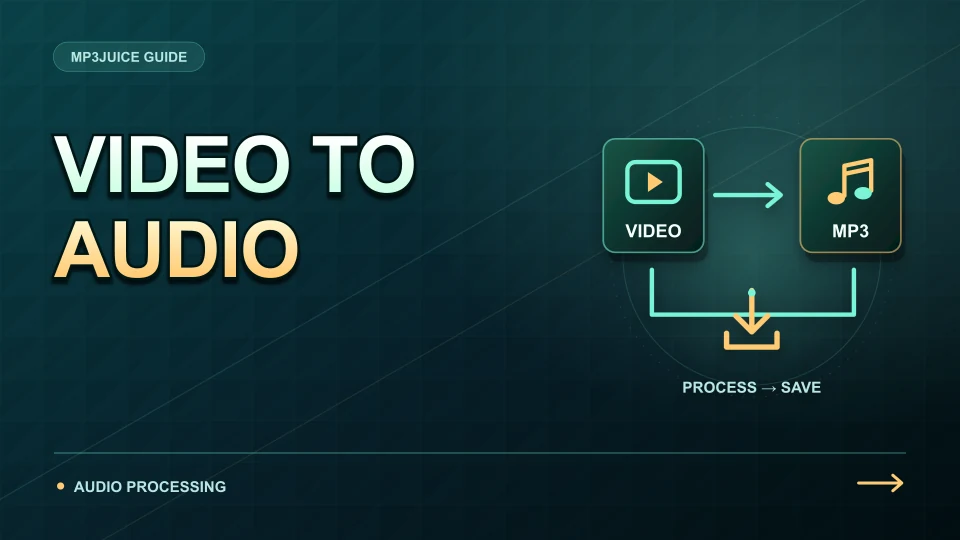
Pressing a format button hides several distinct operations. The service must reach the source, obtain suitable audio, prepare the requested encoding and make a finished file available to the browser. A delay at one stage can look similar to a delay at another.
The video to MP3 page covers the user-facing route, while the MP3 converter describes the available output workflow. The explanation here is a general processing model, not a claim about the private implementation of every conversion provider.
First, the service needs an accessible source
A video URL identifies an item, but it does not guarantee that a service can access its audio. The item may be removed, restricted, live or unavailable in the service's environment. Access conditions can also change after a result was discovered.
That is why a format panel may fail before any encoding begins. The article about why some YouTube videos will not convert describes common source restrictions. Repeatedly selecting a higher bitrate does not solve an access problem; the service must first obtain an authorised, reachable source.
The audio stream is read from its packaging
Online media can be delivered in a container with several tracks or as separate audio and video streams. A demuxer reads the packaging and identifies the encoded audio. If the job only needs sound, the picture does not have to become part of the MP3 output.
The source codec is distinct from its container. The comparison of YouTube Opus vs AAC explains two audio codecs associated with online video. The selected stream can vary by source and service, so a video resolution label alone should not be used to infer its audio bitrate.
Decoding makes samples available to the next encoder
When a codec change is needed, the compressed source is decoded into audio samples that an MP3 encoder can process. Those samples represent what can be reconstructed from the available stream, not necessarily the creator's original uncompressed master.
Earlier lossy processing has already discarded information. The explanation of how YouTube compresses audio connects this to conversion quality. Increasing the next output setting can reduce additional damage, but it does not reverse the earlier loss or remove noise that was present in the recording.
Encoding builds the requested MP3
The encoder chooses an MP3 representation using settings such as bitrate and channel mode. More data can give it additional room to represent difficult passages, while the output size grows with rate and duration. The MP3 bitrate guide explains this size budget.
A service may offer a limited set of settings rather than every option an encoder supports. The guide to what an MP3 file is describes the resulting file. A successful encode still needs to be finished and made available before the browser can receive a complete, playable copy.
Packaging and delivery complete the request
The service may add a filename, tags or artwork, then offer a download address. The browser receives the file over the network and saves it to its configured location. Conversion progress and transfer progress therefore describe different work.
The article on YouTube audio and video conversion compares this audio path with creating video output. For the practical sequence, use how to convert video to MP3. If the process stops, record whether the failure occurred before options appeared, during preparation or during transfer; that distinction helps identify which part needs attention.